Introduction
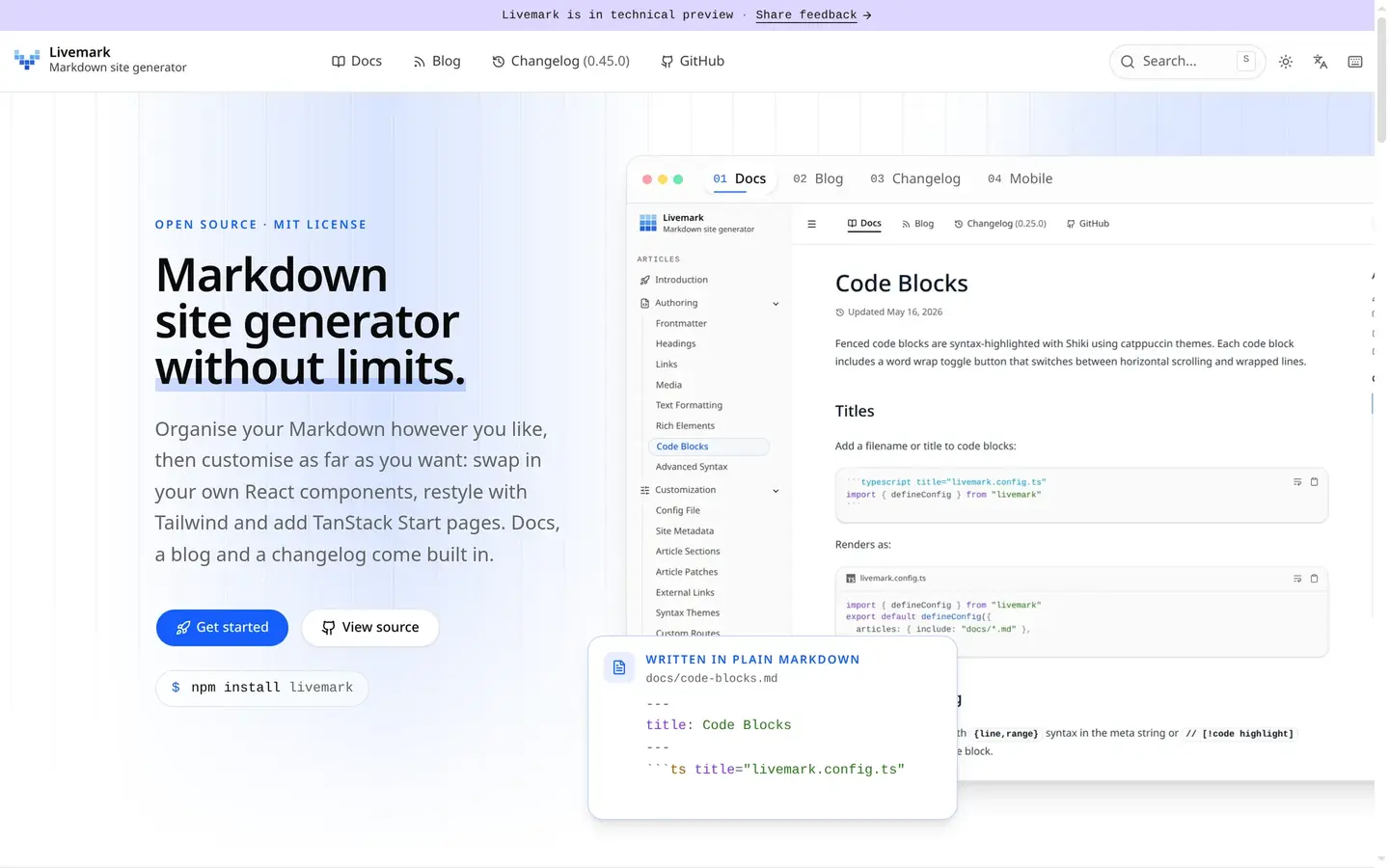
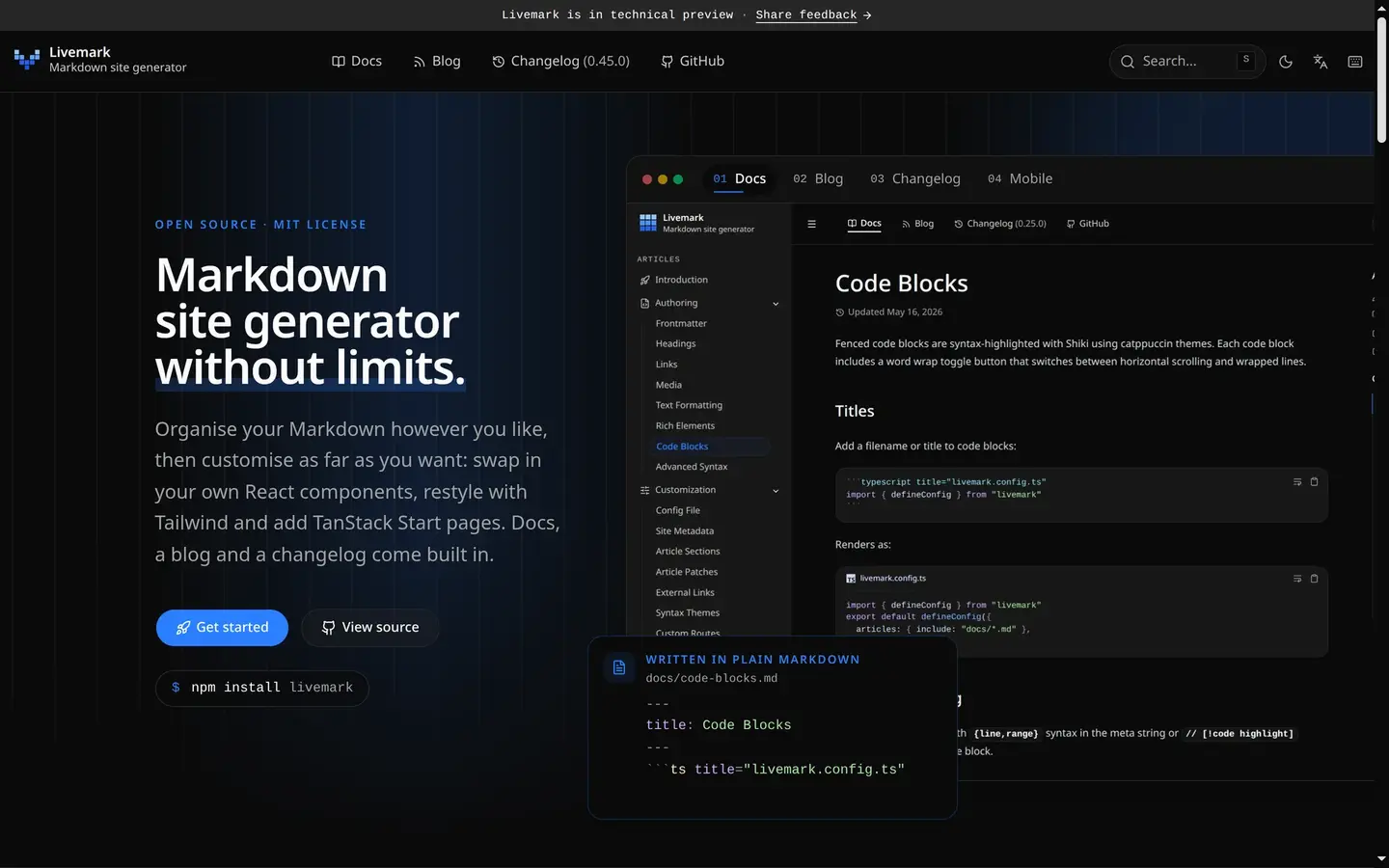
Livemark is a Markdown site generator. Point it at the Markdown files in your project and it gives you a fast documentation site with search, syntax highlighting, diagrams and math, dark mode, and docs, blog and changelog sections built in. It looks right with no configuration. When you need more, nothing is locked: any component, style or route can be replaced with your own React, Tailwind and TanStack Start code, without forking the package.
Why another docs tool
Docs tools tend to sit at one of two ends. Some are quick to start and hard to bend: you get the theme, and the day you need a page the theme did not plan for, you are fighting it. Others are frameworks that you assemble yourself, so you maintain an app before you have written a paragraph.
Livemark starts at the first end and lets you walk to the second one file at a time. A new project is a config file and a folder of Markdown. Later, livemark escape copies any built-in component, stylesheet or route into a .livemark/ folder, where your copy shadows the default. You own only the files you changed, and the rest keeps updating with the package.
What you get
- Just write Markdown — GitHub-flavored Markdown with frontmatter, footnotes, includes and custom heading IDs; MDX is there when a page needs a component
- Pages from anywhere —
includeandexcludeglobs pick the files, so the docs sit beside the code, and aCONTRIBUTING.mdor aCHANGELOG.mdyou already keep joins the site - Code blocks — Shiki highlighting in a light and a dark theme at once, with titles, line and word highlights, diffs, focus lines and TwoSlash type hints
- Diagrams and math — Mermaid diagrams and LaTeX equations that follow the theme
- Rich elements — callouts, tabs, steps, cards, badges, buttons, file trees, columns and package manager tabs, as Markdown directives or MDX components
- Docs, blog and changelog — sections with their own navigation: a blog with tags and an RSS feed, and a changelog built from a
CHANGELOG.mdor from GitHub releases - Search — full-text search that runs in the browser, with matches highlighted on the page you land on
- Multilingual — translations beside their originals, a language picker, and a translated UI
- Customizable — Tailwind v4 tokens for the theme, and every component, style and route can be escaped and replaced file by file
- Made for agents — every build publishes a Markdown twin of each page,
llms.txtand your agent skills, and every command speaks JSON - Built on TanStack Start — prerendered pages, a sitemap and client-side routing, in a static build that any host can serve
A site
A site is one config file. It sets the title and says where the pages live:
import { defineConfig } from "livemark"

export default defineConfig({
  title: "My docs",
  description: "Documentation for my project",
  include: ["docs/**/*.md"],
})
A page is a Markdown file whose frontmatter carries its title, description and order:
---
title: Getting Started
description: Set up the project in five minutes.
order: 1
---

# Getting Started

Welcome!
Trying it
Livemark needs Node.js 24 or newer and installs from npm:
npm install livemarkThen the whole loop is four commands:
npx livemark start    # dev server with HMR at http://localhost:8000
npx livemark build    # production build to .livemark/build/
npx livemark preview  # serve the production build locally
npx livemark clear    # remove the generated files
The build is a folder of static files. The docs have guides for Cloudflare, GitHub Pages, Vercel, Netlify and any other static host.
In your own app
Livemark's Markdown pipeline and its components also ship on their own, as @livemark/vite. Any React app built on Vite can import a .md file and render it with the same callouts, tabs and code blocks, and a collection lists a folder of posts without loading their bodies. This blog is rendered with it.
Agent skills
Livemark ships five Agent Skills that teach coding agents such as Claude Code, Cursor and Codex how a project works: writing articles, the config options, customizing the UI, designing a landing page and deploying. Once they are installed, you don't have to explain any of it in the prompt.
What's next
Livemark is open source under the MIT license. It has been on npm since May 2025, with more than 80 releases, and its own docs at livemark.dev are built with it. Please try it, open an issue with your feedback, and star it on GitHub to help the project grow — https://github.com/datisthq/livemark