Introduction
Htmlpress is an HTML-first static site generator. Write HTML pages, or Markdown, wherever they live in your project, and htmlpress turns them into one site. Each page keeps its own markup, and htmlpress adds one layout, one theme, a navigation and a live-reloading dev server. There is no framework and no templating language, so you, or your coding agent, just write the pages. And it is available to Python, TypeScript and Rust developers alike: one Rust binary, installed with pip, npm or cargo.
Why another site generator
Most documentation tools ask you to learn a stack first: a JavaScript framework, a component dialect such as MDX, a templating language, a build config. That is a lot of surface for a person to learn and even more for an agent to get wrong.
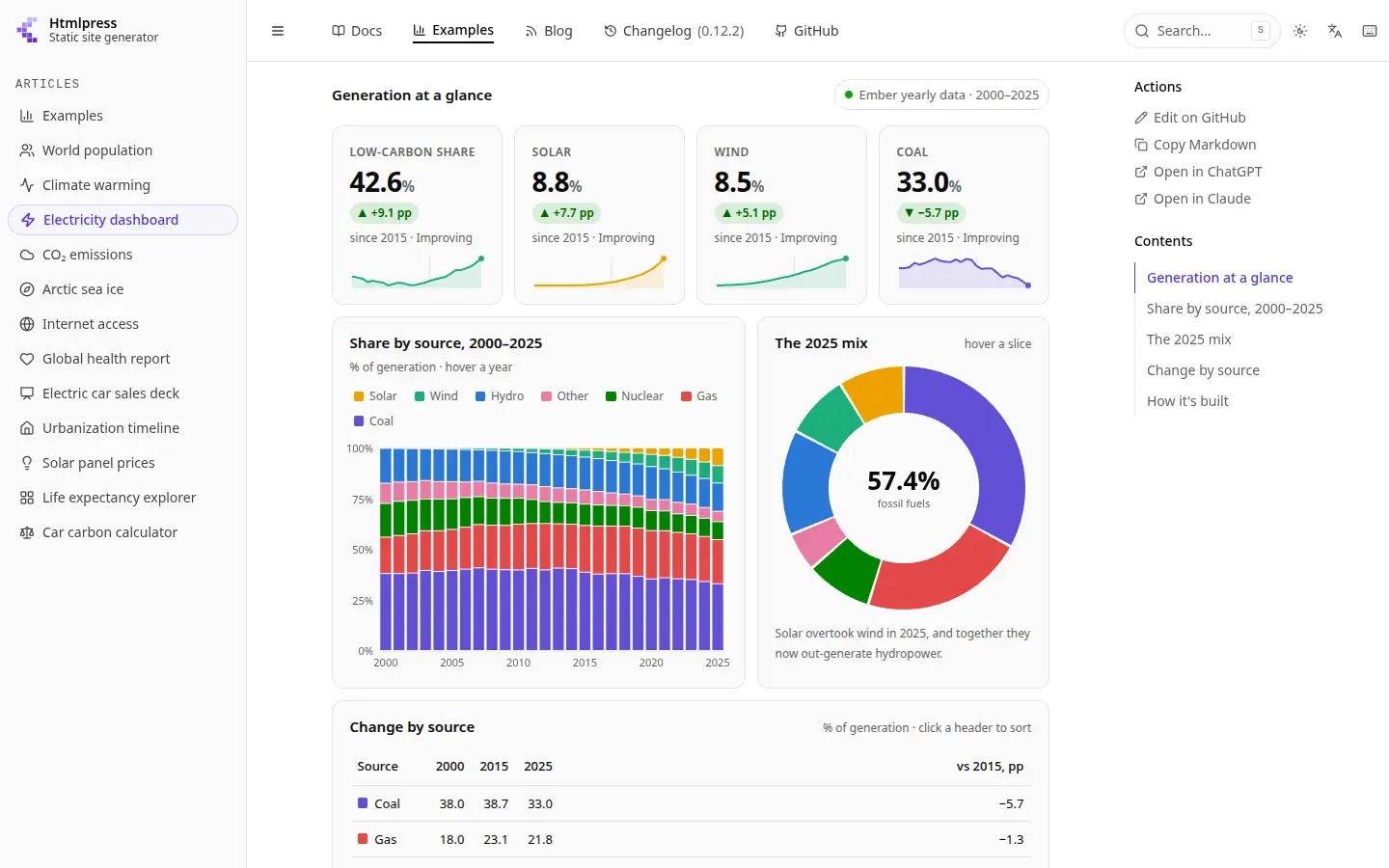
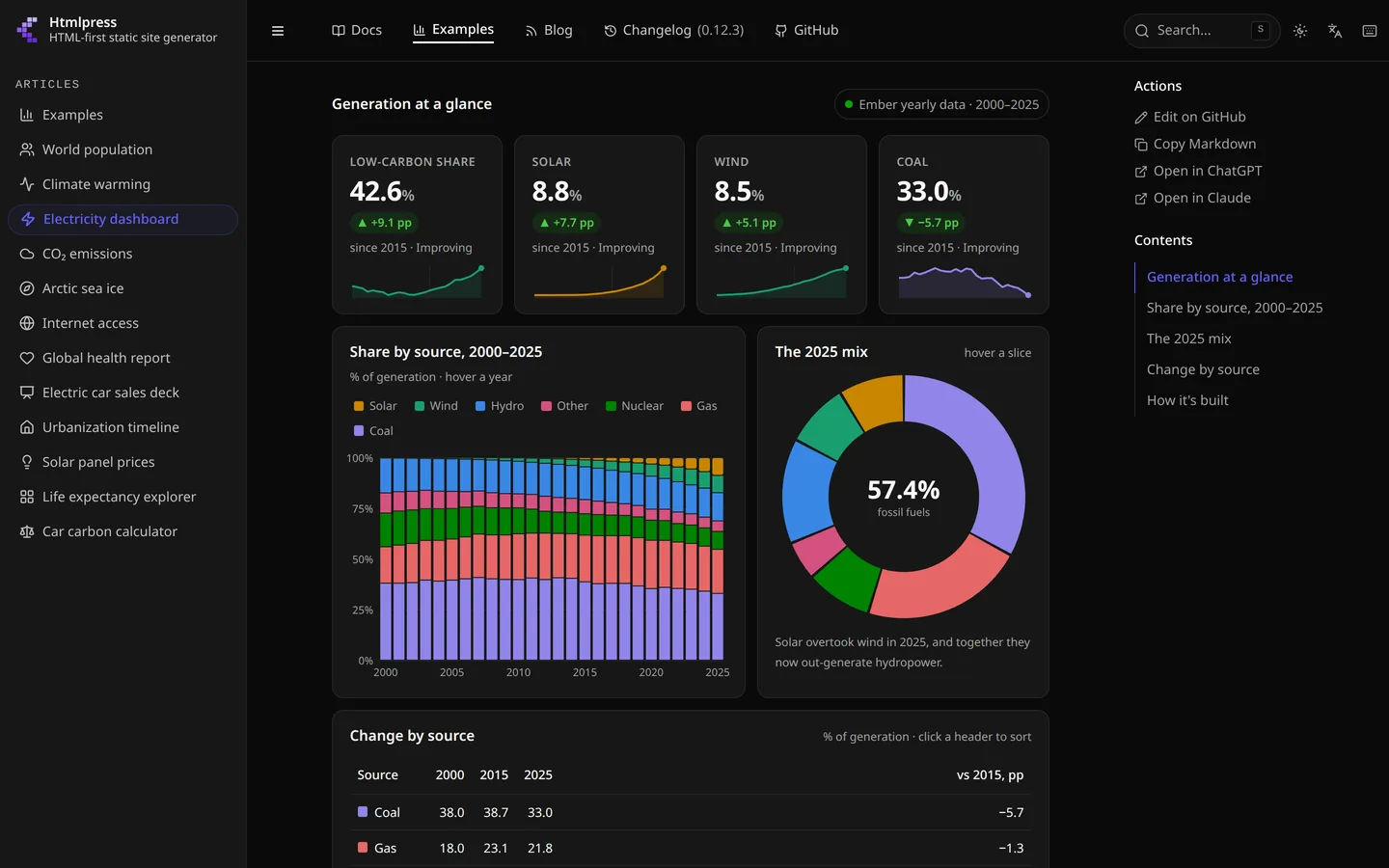
Htmlpress goes the other way. A page is semantic HTML or plain Markdown — the formats agents already know better than any templating language — and the theme styles the elements themselves: headings, tables, code blocks, <details> and <figure> look right with no classes, in light and dark mode. The fewer choices a page offers, the more every page looks like one site.
What you get
- Just write HTML — a page is any
.htmlfile, a full document or a bare fragment, whose<title>and<meta>tags are its metadata; a.mdfile with frontmatter works too - Pages from anywhere — by default every page in the folder; the
includeandexcludeglobs pick them from anywhere in a repository instead, so the docs sit beside the code, and aCHANGELOG.mdor theSKILL.mdfiles you already keep join the site - Rich elements — callouts, tabs, steps, cards, badges, file trees, sortable tables, terminals, package tabs, Mermaid diagrams and embeds, all as
htmlpress-*custom elements - Navigation for free — a sidebar nested by folder, breadcrumbs, a table of contents, previous/next links and an "Edit on GitHub" link
- Docs, blog and changelog — split a site into sections, each with its own tab and navigation: docs grouped in the sidebar by folder, a blog of dated posts, newest first, with tag pages and an RSS feed, and a changelog with one page per version of a Markdown changelog
- Multilingual — translations beside their originals, a language picker, and the UI in seven bundled languages
- Customizable —
--htmlpress-*tokens for the theme, and the layout, styles and components can be escaped into a.htmlpress/folder and replaced file by file - Made for agents — every build publishes a Markdown copy of each page,
llms.txtand your agent skills, and every command speaks JSON - Web components and CSS — every rich element is a native web component and every style plain CSS, scoped with
@scope, with no framework runtime in the browser - Python, TypeScript and Rust — available to Python, TypeScript and Rust developers alike, from PyPI, npm and crates.io, as one Rust binary; no runtime and no dependencies, and the output is a static site with
sitemap.xml,robots.txtand a 404 page, ready for any host
A page
A page sets its title, description and order in a few tags, then gets on with its content:
<title>Getting Started</title>
<meta name="description" content="Set up the project in five minutes." />
<meta name="order" content="1" />

<h1>Getting Started</h1>
<p>Welcome!</p>
The same page in Markdown carries those values as frontmatter. Configuration is optional. An htmlpress.yaml at the project root sets the site's title and description, and its include globs say where the pages live:
title: My docs
description: Documentation for my project
include: [docs/**/*.html, docs/**/*.md]
Trying it
Every channel ships the same Rust binary at the same version, so pick the package manager your project already uses:
curl -fsSL https://htmlpress.dev/install.sh | sh
npm install --global gethtmlpress
pip install htmlpress
cargo install htmlpress
Then the whole loop is four commands:
htmlpress start    # dev server with live reload at http://localhost:8000
htmlpress build    # production build to .htmlpress/build/
htmlpress preview  # serve the production build locally
htmlpress clear    # remove .htmlpress/build/
Agent skills
Htmlpress ships six Agent Skills that teach coding agents such as Claude Code, Cursor and Codex how a project works: the page contract, the components, the config keys, how to customize the theme, how to deploy and how to check their work. Once they are installed, you don't have to explain any of it in the prompt.
What's next
Htmlpress is open source under the MIT license, and its own docs at htmlpress.dev are built with it. Please try it, open an issue with your feedback, and star it on GitHub to help the project grow — https://github.com/datisthq/htmlpress